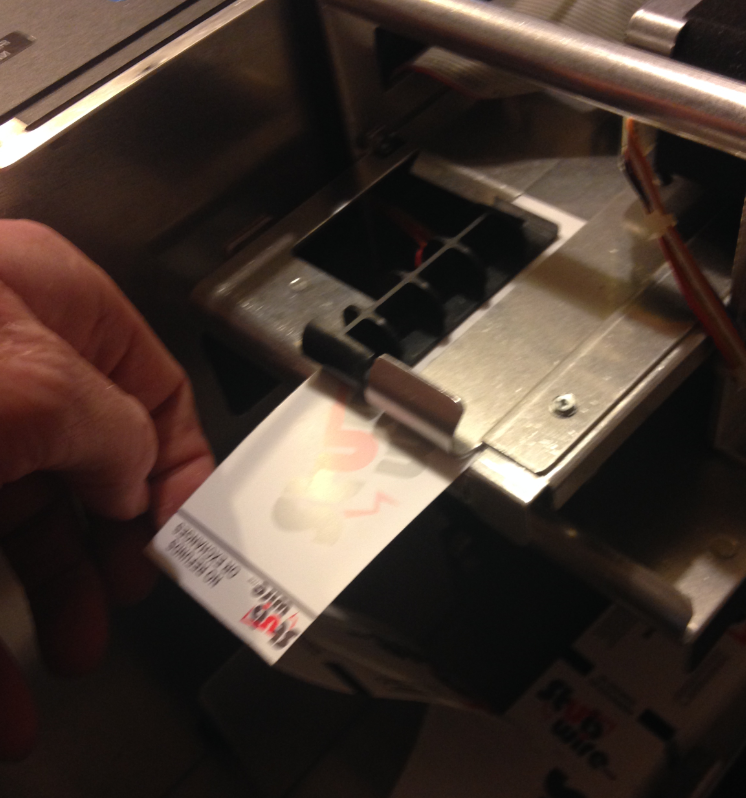
Installing the ticket stock into your Boca Ticket Printer
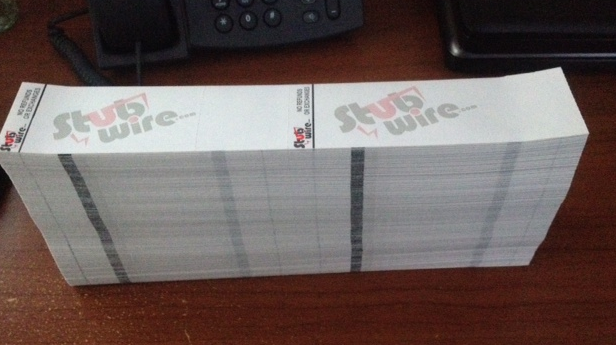
- Remove the paper wrapping from the ticket stock.
- Set the “ream” of tickets into the bottom of the ticket printer with the tickets face up and facing out.
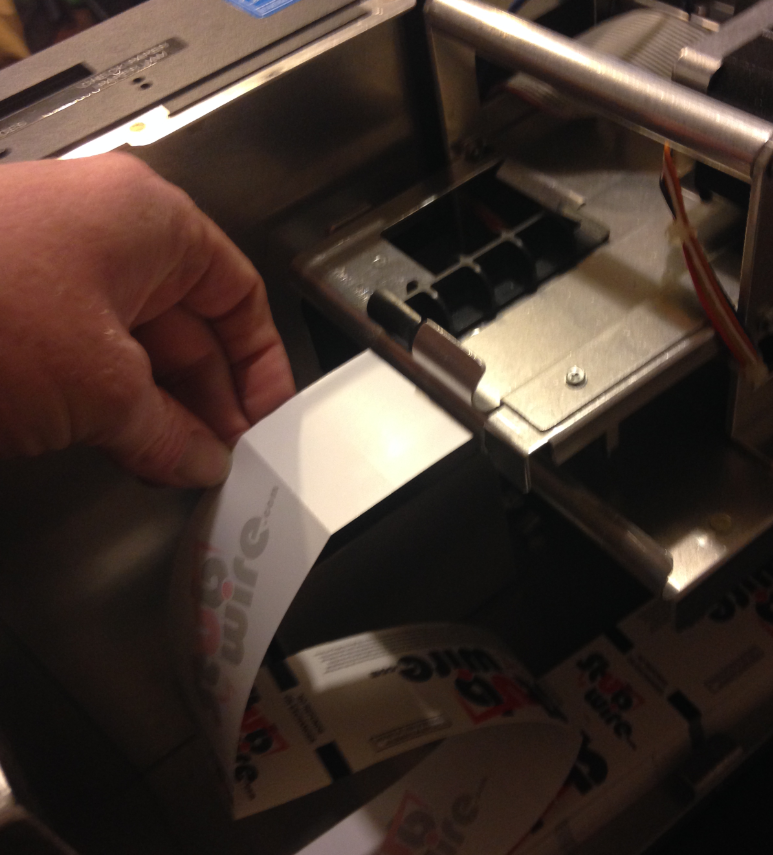
- You should notice that there’s an area that the ticket fits into on the inside of the printer. (some printers look different on the inside but you will notice that the general “feeding” style is the same and ALL of the printers feed the paper in the SAME direction.)
- Slide the ticket (barcode end first) into the paper feed area. You will feel the printer grab the paper and you can let go.
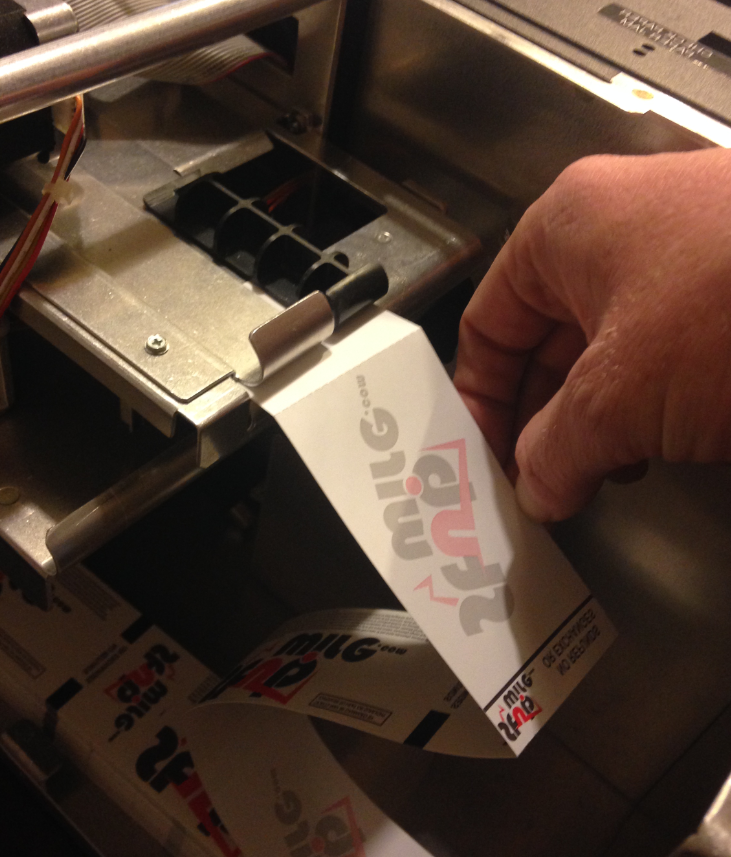
- The paper will feed through the printer and then set itself where it belongs. (It is always good to print a test ticket at this time.)